


GeoGebra
Menu
How to Use GeoGebra as a Normal Distribution Calculator
Here’s how you can use the Probability Calculator 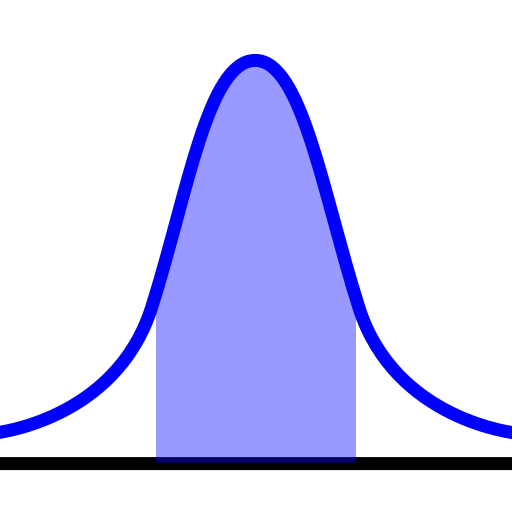 in
in GeoGebra to compute probabilities from the normal distribution:
GeoGebra Instruction 1
- 1.
- Open
Probability Calculator under 
Viewin
Menu. - 2.
- Make sure that you choose the
Distributiontab at the top of the window. - 3.
- Select
Normalfrom the drop-down list. Enter the values of and from your problem. - 4.
- Choose
Left-sided ,
, Interval ,
, Two tailed, orRight-sided depending on your problem.
