


GeoGebra
You can use GeoGebra to find the domain and range of a function.
GeoGebra Instruction 1
- 1.
- Open
Algebra ViewandGraphics Viewunder
Viewin
Menu. - 2.
- Input your function into
Algebra View. - 3.
- Now you’re going to find the domain. Select the
Intersect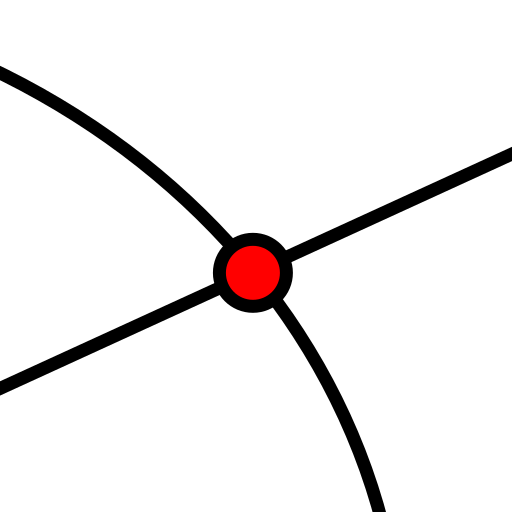 tool. Click your function, then the -axis. Depending on what’s given in the exercise, choose the appropriate lower and upper endpoints of the domain from the intersections with the -axis.
 - 4.
- Now for the range, use the
Mincommand by typingMin(<Function>, <Start x-Value>, <End x-Value>)
in
Algebra View.Enter the name of your function (, , ) in
<Function>. For<Start>, enter the lower endpoint of the domain. For<End>, enter the upper endpoint of the domain.Do the same as above with the command
Max(<Function>, <Start x-Value>, <End x-Value>)
in
Algebra View.If your domain is a union of several intervals, repeat these two commands for all the intervals.
The lower endpoint of the range is the -value of the lowest point on the graph within the domain.
The upper endpoint of the range is the -value of the highest point on the graph within the domain.
